Best gaming PC for Half-Life: Alyx (2026)
For Half-Life: Alyx, we'd build the CREATE TRINITY at £2,343 (RTX 5060 Ti 16GB) for high-refresh 1080p, up to the CREATE CYPHER at £3,876 with RTX 5080 16GB for 4K with everything on. Prefer to build it yourself? The component tiers are further down, where RTX 5050 8GB is the sensible floor.
The PCs we'd actually build for Half-Life: Alyx
These are real machines from Create PCs, the UK builder we run, ordered cheapest first, £2,343 to £3,876 depending on the resolution and frame rate you're targeting. Specifications and prices are live, and each link lands on that exact build.
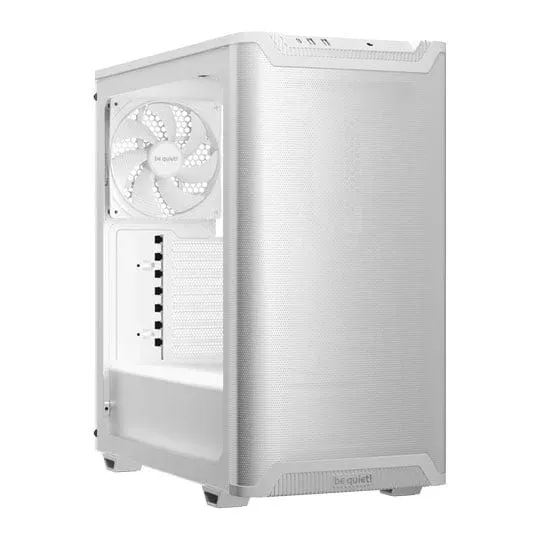
CREATE TRINITY
Mid
- CPU
- AMD Ryzen 5 9600X 6 Core AM5 CPU/Processor
- GPU
- Palit NVIDIA GeForce RTX 5060 Ti INFINITY 3 16GB Blackwell Graphics Card
- RAM
- Corsair Vengeance Grey 32GB 6000MHz DDR5 Dual Profile Memory Kit
- Storage
- WD Black SN850X 1TB M.2 PCIe 4.0 Gen4 x4 NVMe SSD PC/PS5
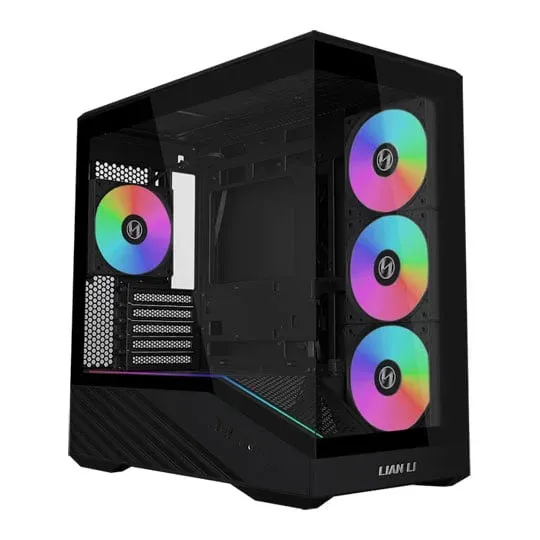
CREATE NR200P
Mid-high
- CPU
- Intel 20 Core Ultra 7 265 Desktop CPU/Processor
- GPU
- PALIT NVIDIA GeForce RTX 5070 Ti 16GB GamingPro-S Blackwell Graphics Card
- RAM
- Corsair Vengeance Grey 32GB 6000MHz DDR5 Dual Profile Memory Kit
- Storage
- Sandisk Black SN850X 2TB M.2 PCIe 4.0 Gen4 x4 NVMe SSD PC/PS5
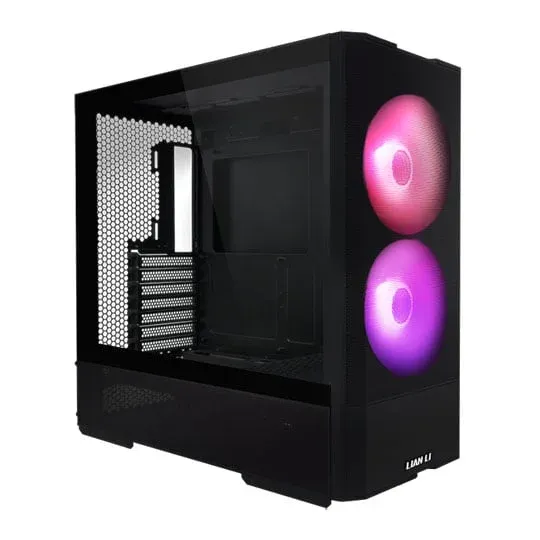
CREATE ZION
Mid-high
- CPU
- AMD Ryzen 5 7600X 6 Core AM5 CPU/Processor
- GPU
- ASUS ROG STRIX NVIDIA GeForce RTX 5070 Ti OC Blackwell Graphics Card
- RAM
- Corsair Vengeance Grey 32GB 6000MHz DDR5 Dual Profile Memory Kit
- Storage
- Sandisk Black SN850X 2TB M.2 PCIe 4.0 Gen4 x4 NVMe SSD PC/PS5
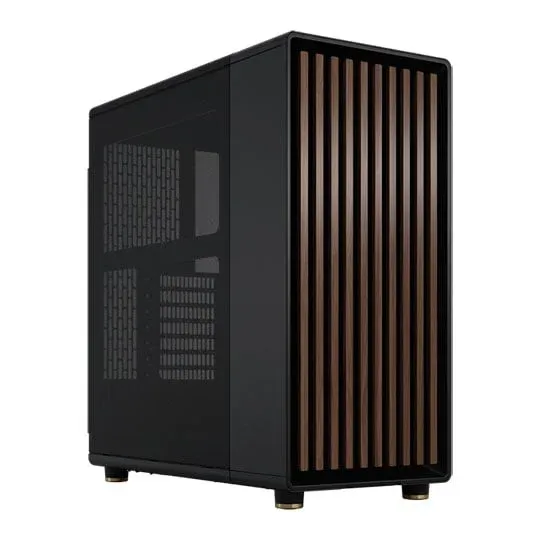
CREATE ORACLE
High-end
- CPU
- AMD Ryzen 7 7800X3D 8 Core AM5 Zen4 3D V-Cache PCIe 5.0 CPU/Processor
- GPU
- PALIT NVIDIA GeForce RTX 5070 Ti 16GB GamingPro-S Blackwell Graphics Card
- RAM
- Corsair Vengeance Grey 32GB 6000MHz DDR5 Dual Profile Memory Kit
- Storage
- WD Black SN8100 2TB M.2 NVMe PCIe 5.0 NVMe SSD / Solid State Drive
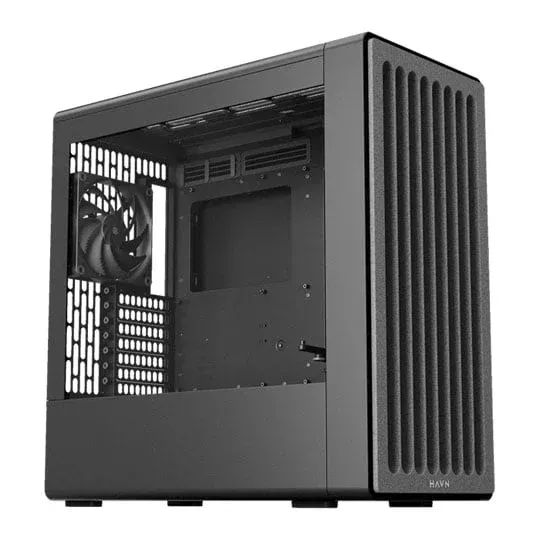
CREATE CYPHER
High-end
- CPU
- Intel 20 Core Ultra 7 265 Desktop CPU/Processor
- GPU
- INNO3D NVIDIA GeForce RTX 5080 X3 16GB Blackwell Graphics Card
- RAM
- Corsair Vengeance Grey 32GB 6000MHz DDR5 Dual Profile Memory Kit
- Storage
- WD Black SN8100 2TB M.2 NVMe PCIe 5.0 NVMe SSD / Solid State Drive
Prices from Create PCs, the UK builder we run, and include VAT. They're the price shown on arrival, not a teaser, but components get repriced, so treat them as current rather than fixed. Custom-built machines start around £2,400; below that a self-build is usually the better answer, and we say so on our budget guides.
Building it yourself: the four tiers for Half-Life: Alyx
Custom-built machines start around £2,400. Below that, a self-build is the better answer, so here are the component tiers we'd put together at each level, no assembly service, but far more performance per pound.
Budget
1080p · 90fps
- CPU
- AMD Ryzen 5 7600
- GPU
- NVIDIA GeForce RTX 5050 8GB
- RAM
- 16 GB
- Storage
- 1TB NVMe SSD
Per eye, at your headset's refresh rate rather than a monitor's. Worth knowing before you shop: Valve published a minimum specification for Alyx and never published a recommended one, which is unusual and tells you something. Source 2 is exceptionally well optimised here, and the game runs properly on hardware that would struggle with far uglier titles. This tier clears Valve's floor of a GTX 1060 with room to spare.
Build this at Create PCs →Mid-tier
1440p · 120fps
- CPU
- AMD Ryzen 7 7700
- GPU
- NVIDIA GeForce RTX 5060 Ti 16GB
- RAM
- 32 GB
- Storage
- 2TB NVMe SSD
The sensible tier, and the one that matches what people actually own now. Alyx scales with your headset rather than with a resolution slider: driving a modern panel at a high render scale is several times the work of the original Vive it launched against. Note Valve's 12GB memory floor, which is steep for 2020 and the reason 16GB is the practical minimum today.
Build this at Create PCs →High-end
1440p · 144fps
- CPU
- AMD Ryzen 7 9800X3D
- GPU
- NVIDIA GeForce RTX 5070 Ti 16GB
- RAM
- 32 GB
- Storage
- 2TB NVMe SSD
What we would build for an Index at 144Hz or a Quest 3 pushed to full resolution over Link. Alyx rewards this more visibly than most VR games, because its lighting and material work hold up to being looked at closely, which is exactly what people do in VR. The X3D cache keeps frame times even, and even frame times are the whole game in a headset.
Build this at Create PCs →Enthusiast
4K · 144fps
- CPU
- AMD Ryzen 9 9950X3D
- GPU
- NVIDIA GeForce RTX 5090 32GB
- RAM
- 64 GB
- Storage
- 4TB NVMe SSD
Comfortably beyond what a 2020 Source 2 game needs, so buy it for the headset and the rest of the library rather than for Alyx. If you are spending at this level for VR, put the money into the headset first: Alyx is limited by what you are looking through long before it is limited by what is driving it.
Build this at Create PCs →What Half-Life: Alyx actually demands from your PC
Half-Life: Alyx isn't sold on Steam, so there's no Steam-published requirements table to quote. The picks above are based on real-world performance and comparison with similar titles rather than a publisher spec sheet.
GPU-bound title: Framerate scales directly with GPU power. If you have a fixed budget, prioritise the graphics card and accept a mid-range CPU.
What you can skip vs what matters
- Worth spending on: GPU first, then a fast NVMe SSD (most modern games benefit from sub-3000MB/s sustained reads), then RAM at the tier amount.
- Worth skipping at this budget: RGB lighting, exotic cooling, brand-name PSUs above 850W (unless you're building enthusiast tier), and motherboards with more than 4 M.2 slots.
- Don't compromise on: The PSU. A reliable 750W gold-rated unit will outlast two GPU upgrades.
Frequently asked questions
- What's the minimum gaming PC for Half-Life: Alyx?
- AMD Ryzen 5 7600 paired with NVIDIA GeForce RTX 5050 8GB and 16GB of RAM hits 1080p/60 on high settings.
- Is Half-Life: Alyx CPU-heavy or GPU-heavy?
- Half-Life: Alyx is primarily GPU-bound. Prioritise the graphics card; a mid-range CPU like the Ryzen 5 7600 will keep up at 1080p/60.
- Do I need ray tracing for Half-Life: Alyx?
- Half-Life: Alyx does not require ray tracing. Any current-generation GPU will deliver the intended visual experience.
- How much RAM do I need?
- For Half-Life: Alyx, 32GB is the sensible answer in 2026. 16GB still works for the budget tier but limits future-proofing.